 MCPE-8090
Entity shadows appear blue-grayish
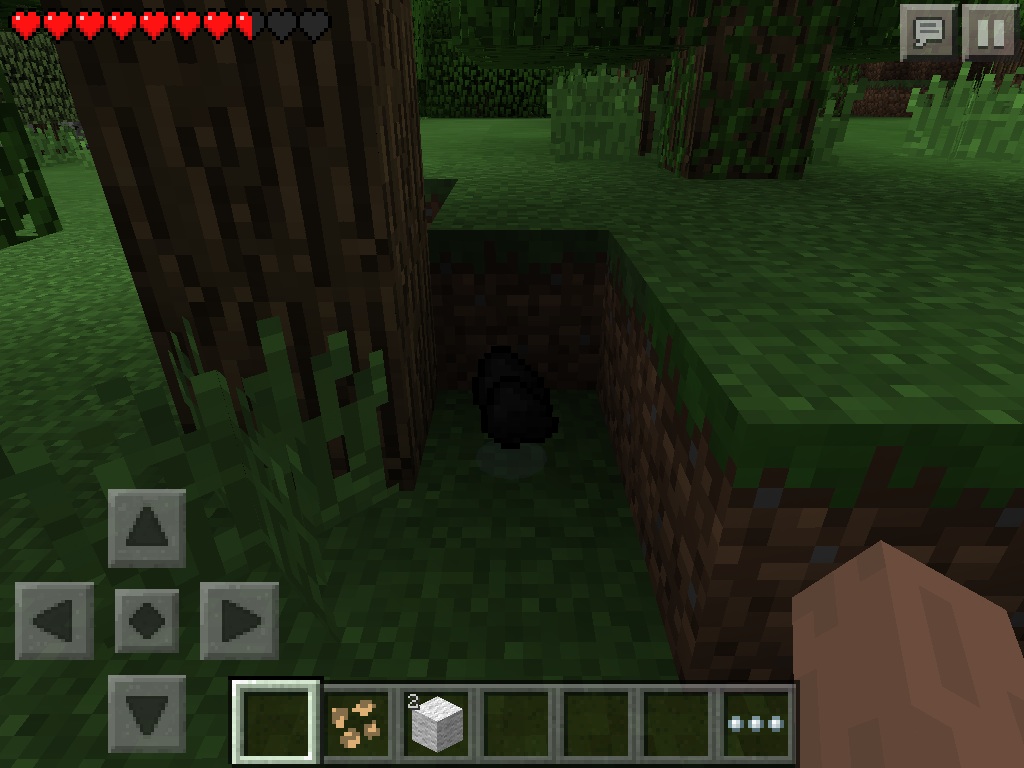
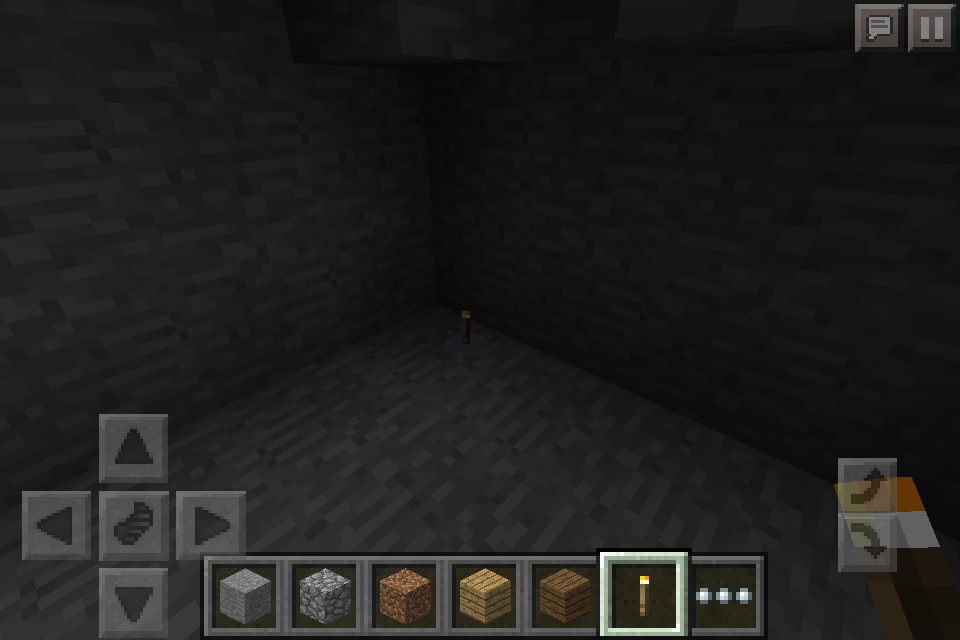
When under blocks/at night, (when they overlap block light shadows) entities' shadows look bluish-grayish (rather than translucent gray/black) and seem too light.
Linked Issues

Comments10
History11
Confirmation Status: Unconfirmed → Community Consensus
Resolution: Unresolved → Awaiting Response
Added attachment:
Changed description:
Added affects versions: 0.12.1 Win10
Resolution: Awaiting Response → Unresolved
Added duplicates link: MCPE-7681Shadows for items and animals such as bats are too bright in dark placesFixed
Resolution: Unresolved → Duplicate
Can you provide a picture of this and explain when or how often it occurs?
Edit: only looks weird when it's dark
Can you provide a picture when it is dark?
The screenshot I added is when it's dark (I meant in shadow, underground, or at night).
I honestly don't know if this is a bug or not. I will list it as possible
Assigned to Tommo who covers rendering issues (which I presume includes lighting). I expect this works as intended, but that's up to the developers.
Does this still apply in 0.11.1?
I don't know; I haven't updated yet.
Yes, what I described is still the same in 0.12.1 Alpha. As rplatham said, it up to the developers, but I think overlapping shadows should just be darker, not blue.
Resolving as a duplicate of
MCPE-7681.