 BDS-4047
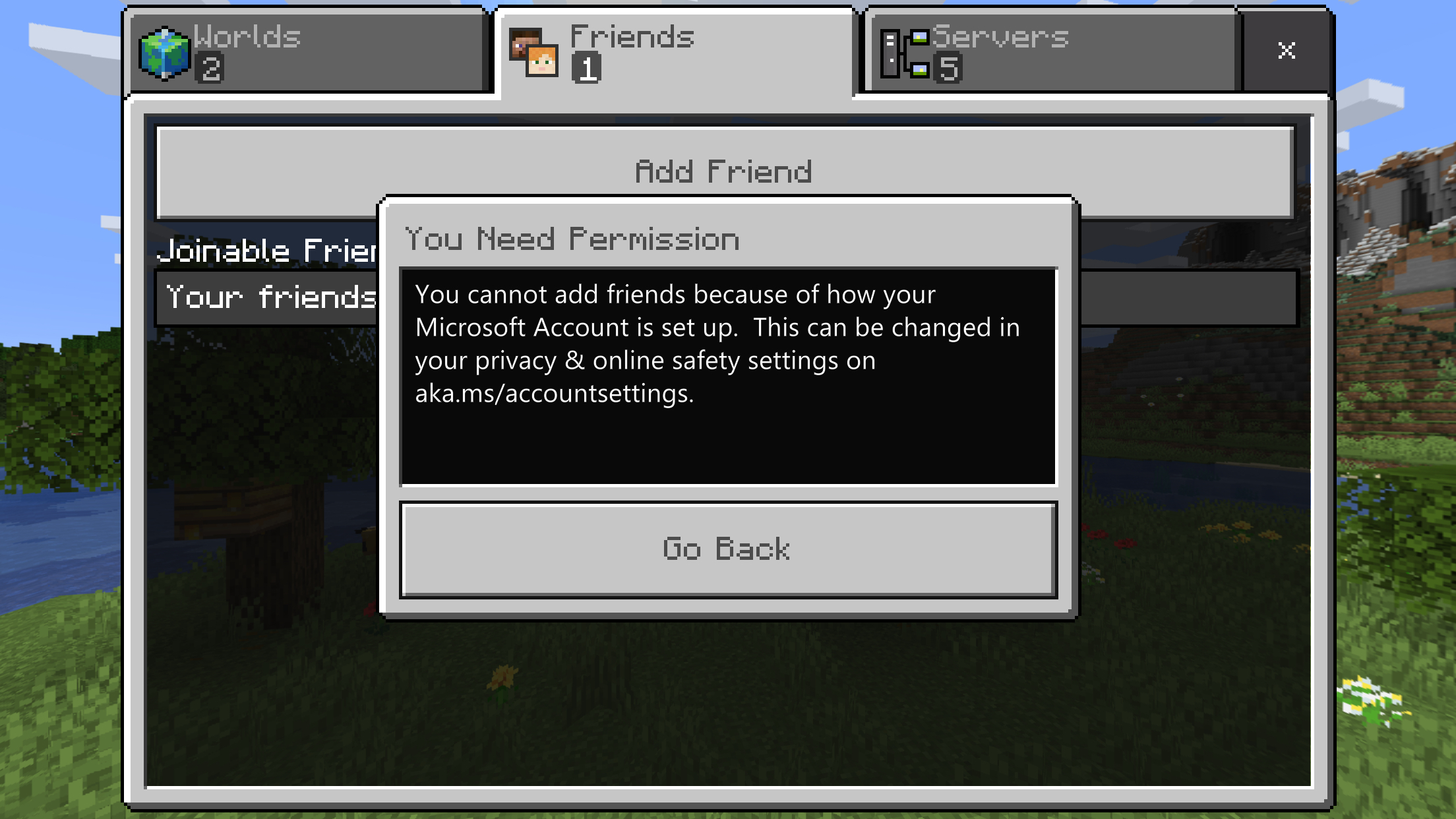
You cannot play online multiplayer because of how your Microsoft Account is set up
My son and daughter cannot connect with each other in Minecraft on their iPads, despite both being logged into their Microsoft Accounts on each of their iPads.
When I select Friends and add friend, I get the error “You cannot add friends because of how your Microsoft Account is set up. This can be changed in your privacy & online safety settings on aka.ms/accountsettings.”
I’ve gone there and ensured that nothing was restricted on both of their accounts and I’ve even ensured to save the settings, close the browser windows and reboot both of heir devices, but the problems persist and they are also both on the same wifi network.
They are also on the same version 1.14.30 of app and I’m not sure what else I am doing wrong.
Environment
iOS 12.3.1
Attachments1

Comments1
History1

Resolution: Unresolved → Invalid
Hi Darren,
In general this is because of the settings on a child account. Unfortunately this has been raised in the Bedrock Dedicated Server section though and I'm really not confident with the account settings stuff to give you any kind of advice. As a bug tracker we're not really equipped for support.
There are some amazing people over at the Community Support Discord server who may be able to advise which settings on accounts interfere with multiplayer.
Ionic
Quick Links:
📓 Issue Guidelines – 💬 Community Support Discord – 📧 Mojang Customer Support – 📖 BDS Wiki – 📖 FAQs