 BDS-3562
The world freezes and doesn’t load chunks
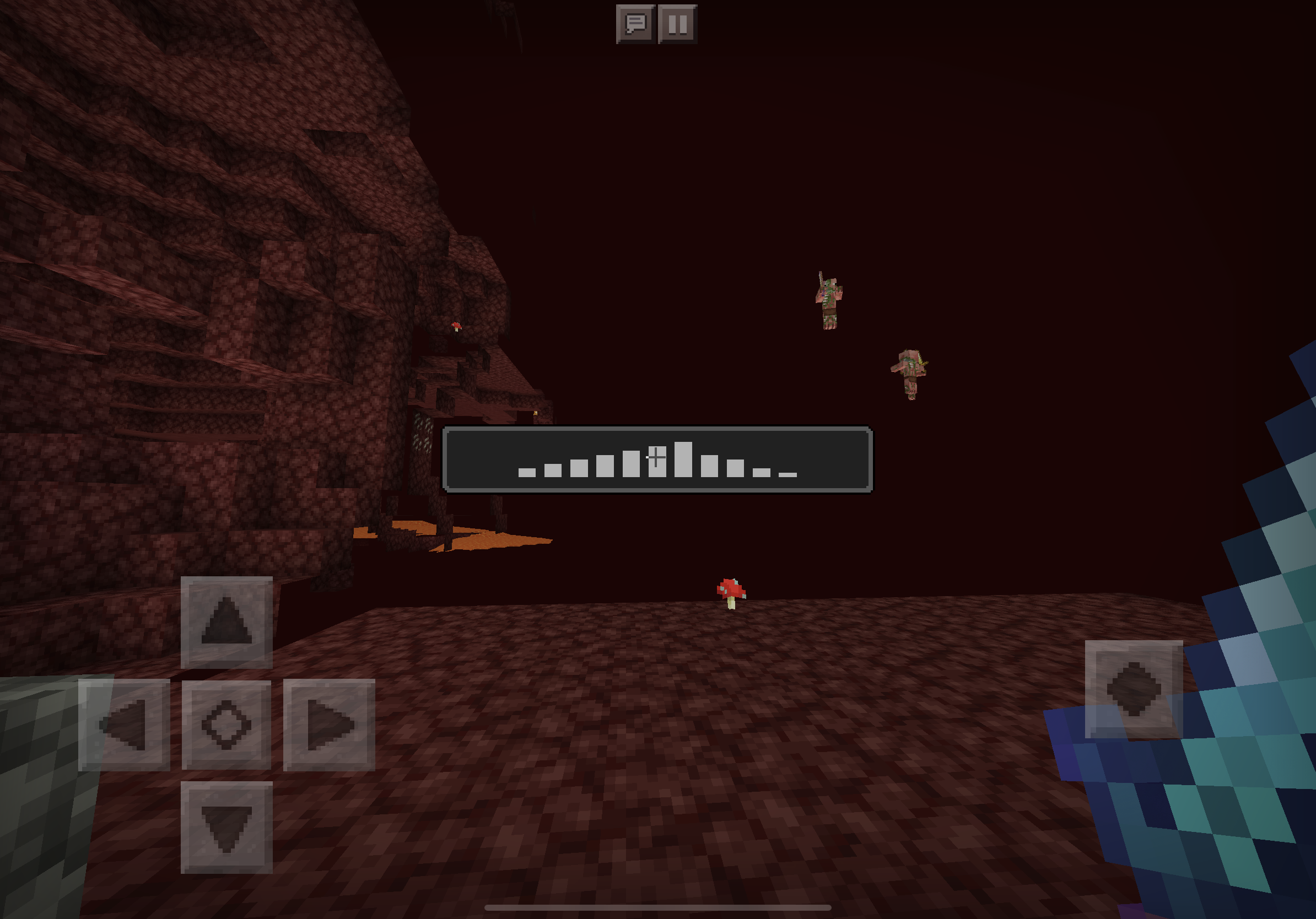
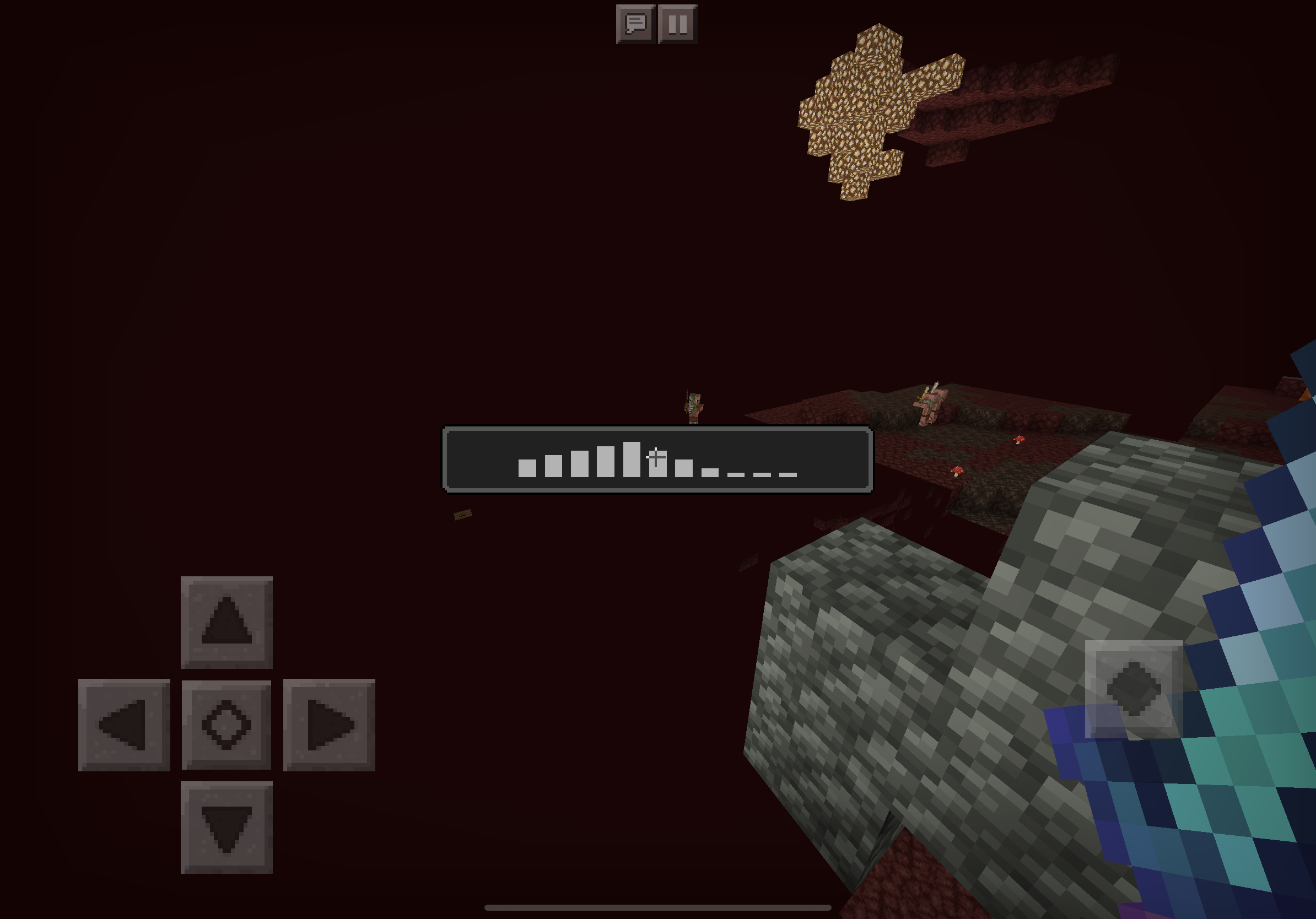
The world will randomly freeze and chunks won’t load. I can still roam around but I can’t interact with anything. When I try to open my inventory, the chat, or the pause menu, it wouldn’t do anything. Then it displays a loading screen. The only way to fix this is to restart the game. This usually happens when I travel through portals. But it has happened when I was mining in the overworld.
Environment
Bedrock edition 1.14.32.1, ipadOS 13.3.1, iPad Pro 11”

Comments3
History5

Changed description:
The world will randomly freeze and chunks won’t load. I can still roam around but I can’t interact with anything. When I try to open my inventory, the chat, or the pause menu, it wouldn’t do anything. Then it displays a loading screen. The only way to fix this is to restart the game. This usually happens when I travel through portals. But it has happened when I was mining in the overworld.
Added labels: awaiting-response

Resolution: Unresolved → Awaiting Response

Resolution: Awaiting Response → Unresolved
Resolution: Unresolved → Incomplete
Hi Christopher,
Was this on a Bedrock Dedicated Server?
Ionic
I've not heard back from you in a while.
In order to keep the Bedrock Dedicated Server project running smoothly I'm going to request this issue be closed as Awaiting Response.
Never fear though! If this is still affecting you in the latest version (and is related to Bedrock Dedicated Server and not the Minecraft Bedrock game) all you have to do is comment and it will reopen.
If your issue does still exist but is related to the game and not the server software please head over to the Minecraft (Bedrock codebase) project.
Ionic
Quick Links:
📓 Issue Guidelines – 💬 Community Support – 📧 Customer Support – 📖 BDS Wiki – 📖 FAQs
Cleaning up old tickets: This ticket had been set to 'Awaiting Response', but has not received a response from the reporter (~3 months+) so is being closed as Incomplete. If you feel this is still a valid issue then please comment, or create a new ticket following the Issue Guidelines which includes steps to reproduce the problem.
Quick Links:
📓 Issue Guidelines – 💬 Mojang Support – 📧 Suggestions – 📖 Minecraft Wiki