 BDS-2428
Dinosaur Valley map is corrupted
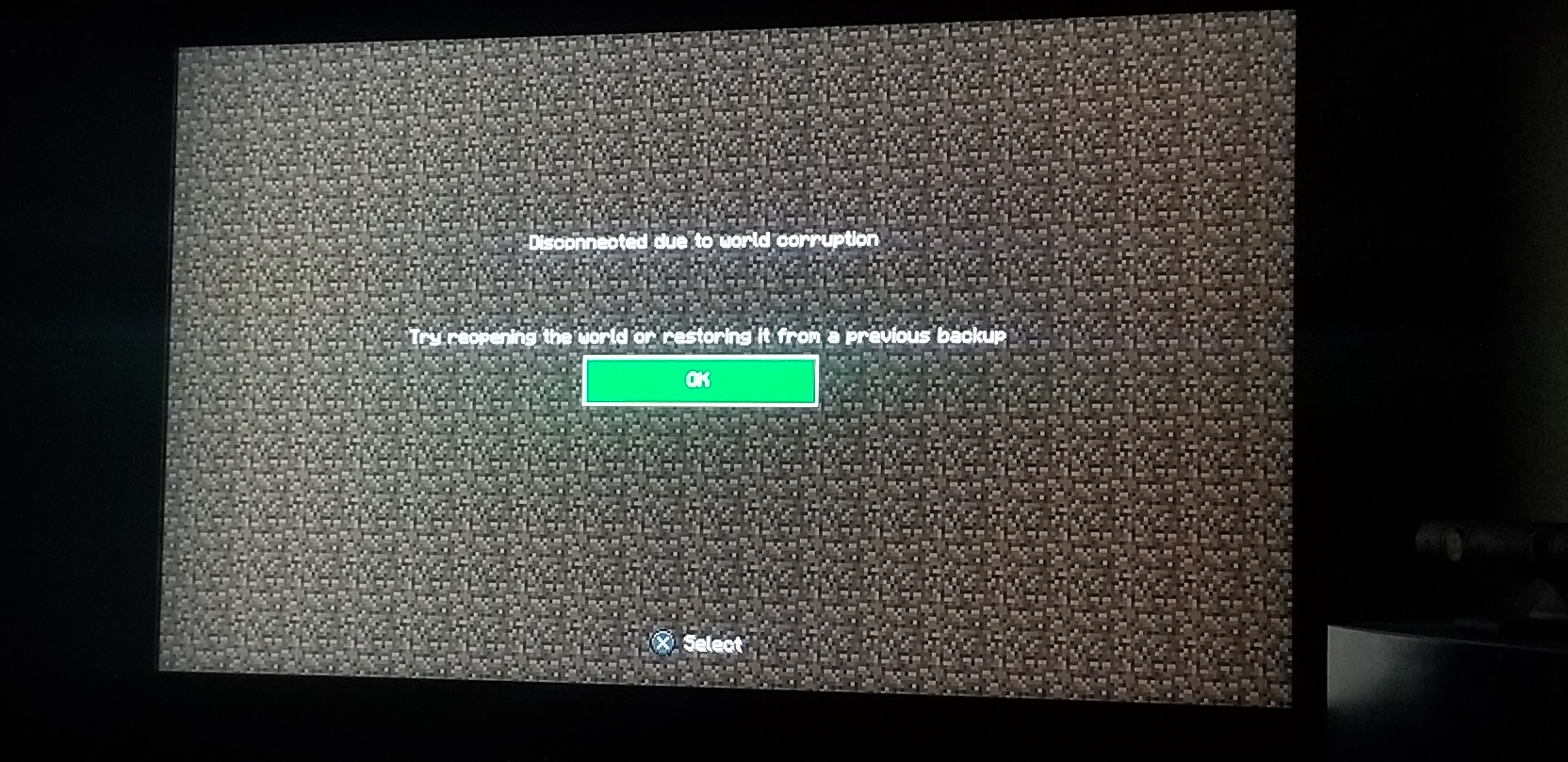
I purchased "Dinosaur Valley" by Norvale for my PS4 but every time I try to create the world, it says "Disconnected due to world corruption. Please reopen the world or start from a previous back up" and does not work. It saves the world to your worlds list as if you had played, but if you then try to reopen the world, it is just normal minecraft. No dinosaurs in sight... and even then it crashes after a few minutes and goes back to the corrupted screen. my 7 year old wanted dinos...
Environment
PS4
Attachments1

Comments1
History3
Changed description:
I purchased "Dinosaur Valley" by Norvale for my PS4 but every time I try to create the world, it says "Disconnected due to world corruption
I purchased "Dinosaur Valley" by Norvale for my PS4 but every time I try to create the world, it says "Disconnected due to world corruption
Changed description:
I purchased "Dinosaur Valley" by Norvale for my PS4 but every time I try to create the world, it says "Disconnected due to world corruption. Please reopen the world or start from a previous back up" and does not work. It saves the world to your worlds list as if you had played, but if you then try to reopen the world, it is just normal minecraft. No dinosaurs in sight...
Resolution: Unresolved → Invalid
Thank you for your report!
However, this issue is Invalid.
This is related to a different project. Use one of the links below to go to the correct project.
– Minecraft: Java Edition — Windows, Mac, and Linux
– Minecraft Launcher — bugs about the Minecraft Launcher specifically
– Minecraft: Bedrock Edition — Gear VR, iOS, Android, Windows 10 (from the Windows store), Xbox One, Windows 10 Mobile, Fire TV, Nintendo Switch, and PS4
– Minecraft: Earth — AR Compatible Devices
Quick Links:
📓 Issue Guidelines – 💬 Community Support – 📧 Customer Support – 📖 Game Wiki