 BDS-1974
Can't connect to server using localhost
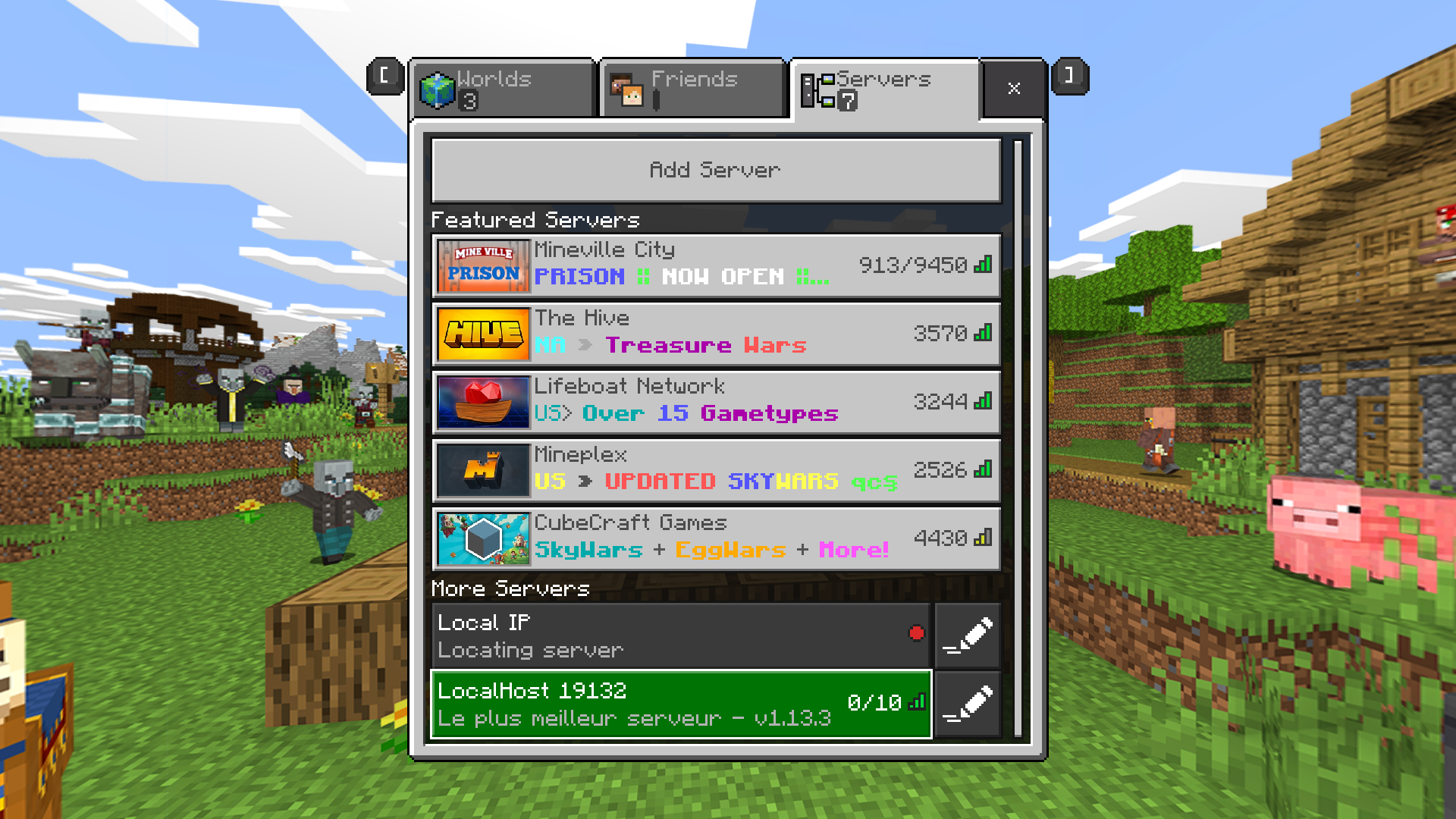
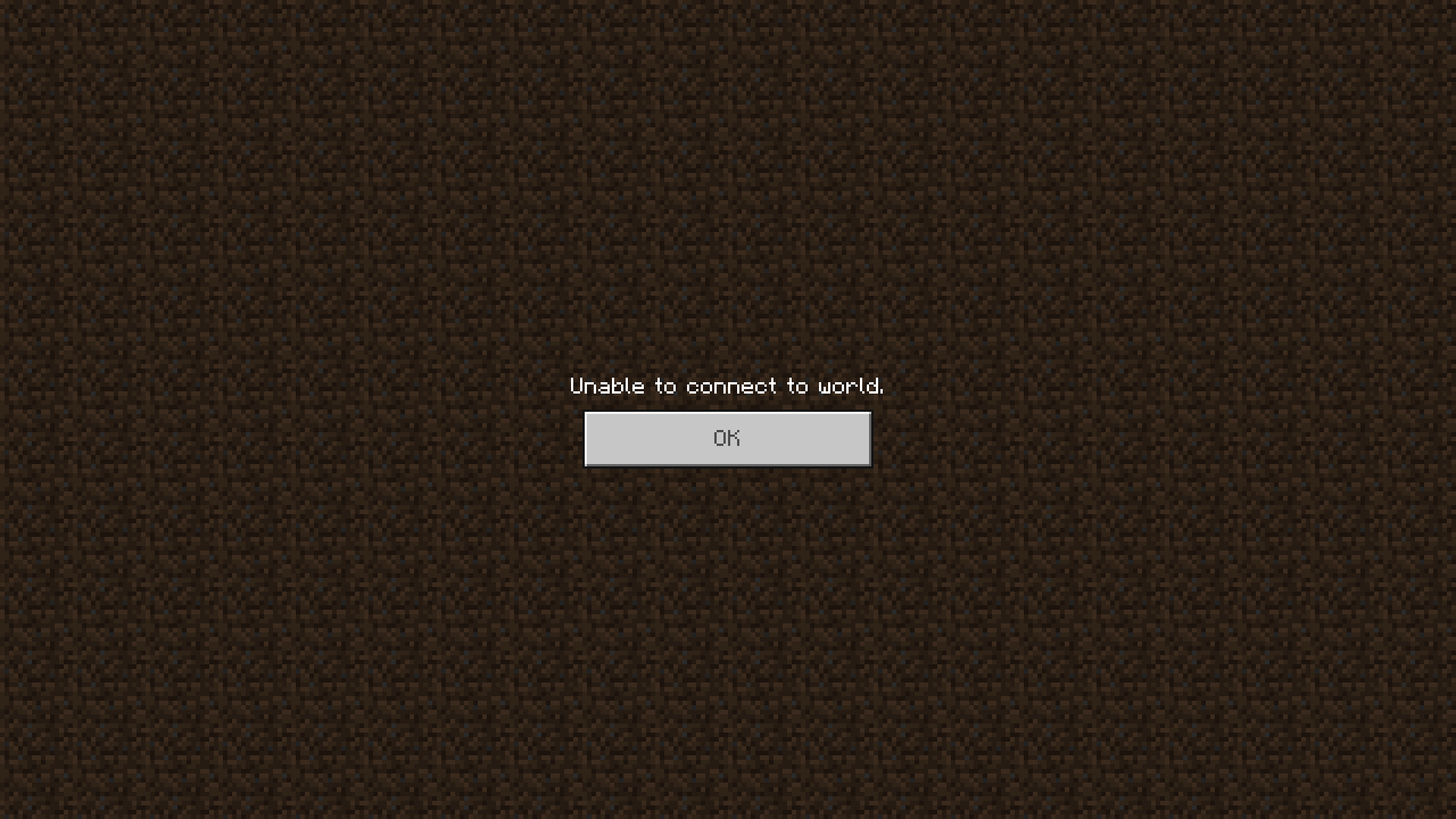
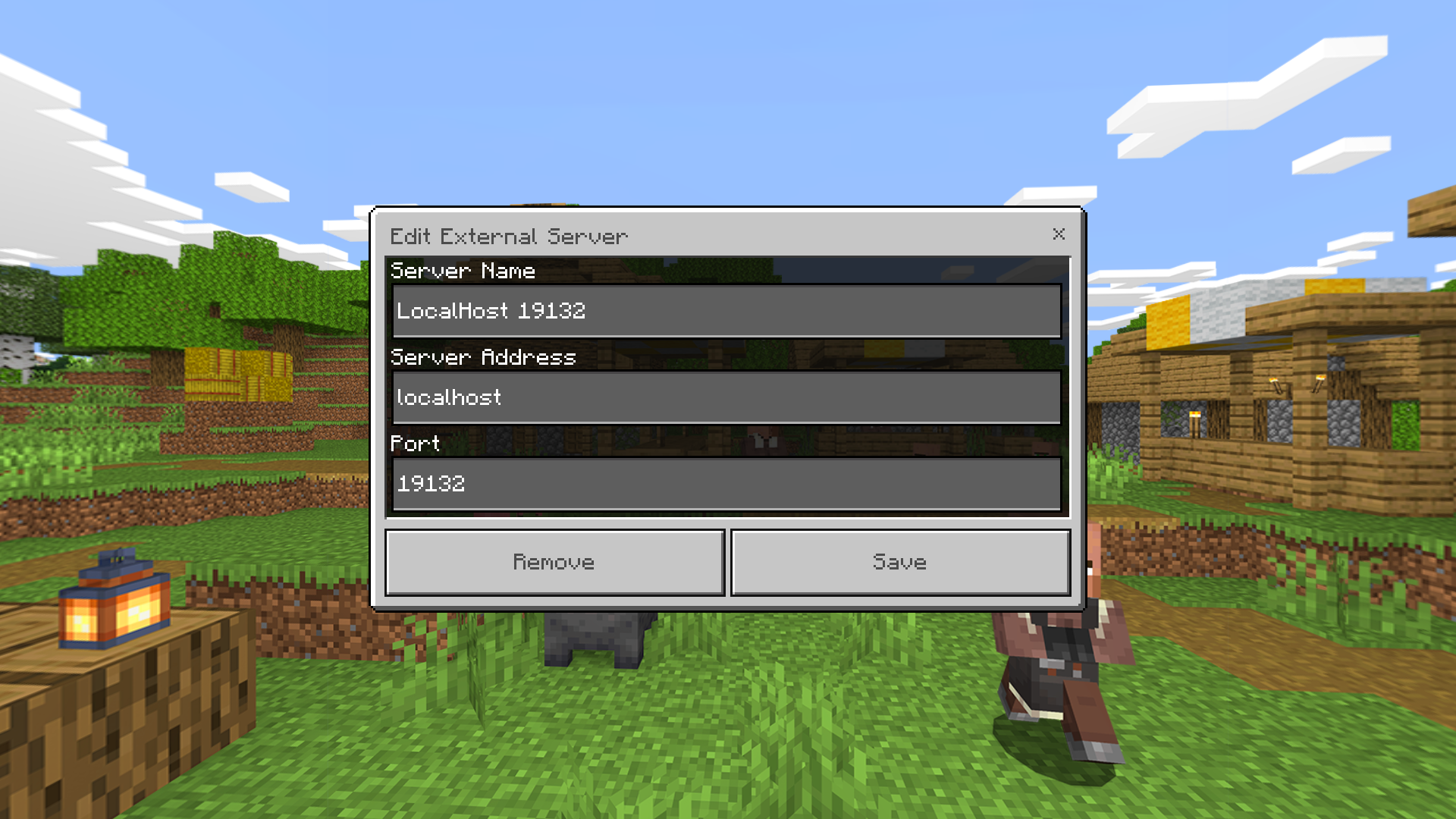
I can't connect to my server by using localhost as the server adress even if the server and the game are running on the same computer and I can see that the server is online in the servers' tab. However, I can connect by using my local IP as the server adress and everything works fine.
Environment
Windows 10;
- BDS 1.13.3.0 (ik it's 1.13.0.34 in "affects version/s" but I couldn't put 1.13.3.0)
- Minecraft for windows 10 1.13.105

Comments3
History1

Resolution: Unresolved → Invalid
I added my server under "Servers" tab but woudl get the same error when connecting using servers. However the server also appears under my "Friends" tab and it works fine if I connect from Friends tab. Try that!
It used to appears in the "friends" tab, but since I upgraded BDS from 1.13.0.33 to 1.13.2 it doesn't appears anymore on my computer. But it still appears on other devices (Android ans iOS) in the "friends" tab when on the same LAN.
Thank you for your report!
However, this issue is Invalid.
This is a technical support issue; this site is for bug reports only. We do not have the resources to provide you with technical support.
However your issue is covered in the read me for the software, specifically:
For further support, please contact the community support, linked below.
Ionic
Quick Links:
📓 Issue Guidelines – 💬 Community Support – 📧 Customer Support – 📖 BDS Wiki – 📖 FAQs