 BDS-18599
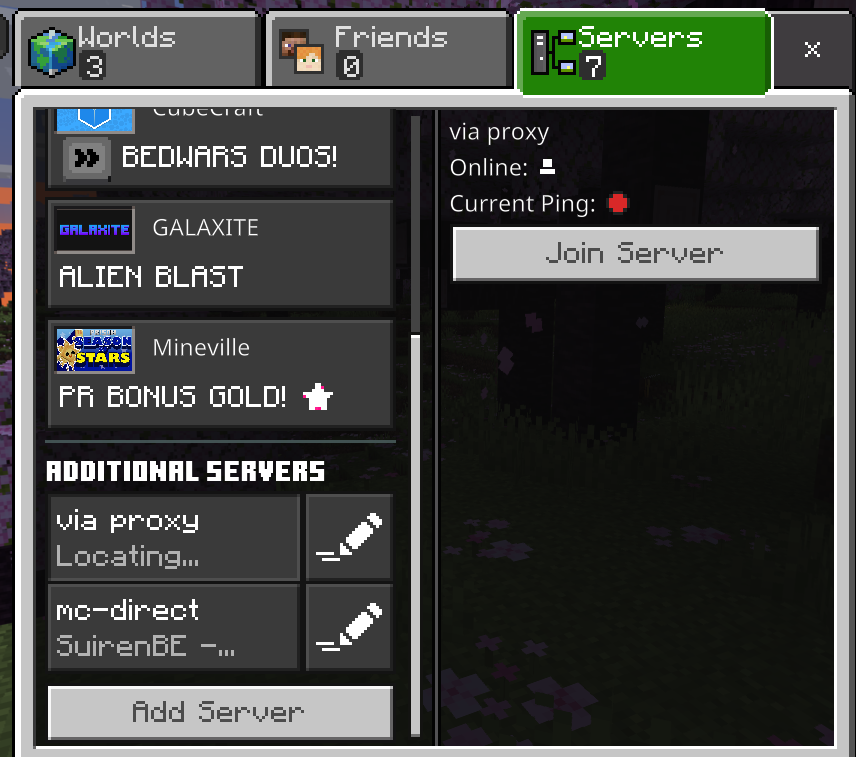
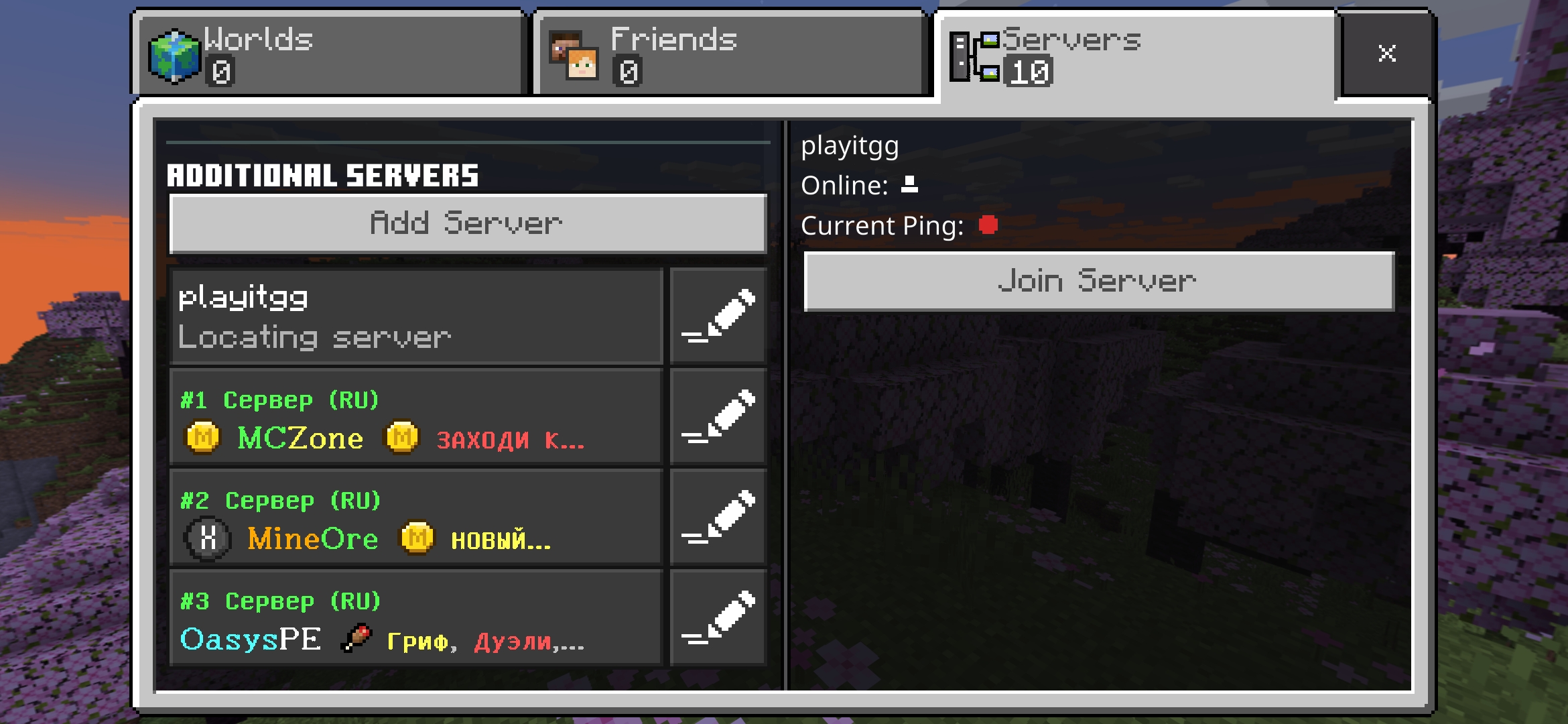
Server not showing details(server name, no. players, ping) but still joinable.
I hosted a bedrock server on a ubuntu vps. Tried to join the server directly through the rented vps ip and port address and was unsucessful. I proxied the vps to playit.gg server instead and was able to connect to the server through playit.gg's ip and port address.
The server details in the bedrock client however are not displaying(server name, no. of players, ping). But I can still connect and play on it.
Environment
Linux Ubuntu 22.04
Linked Issues
is duplicated by1
Attachments4


Comments11
History14
Resolution: Unresolved → Awaiting Response

Resolution: Awaiting Response → Unresolved
Added is duplicated by link: BDS-18633Can not ping to the server when in the same LANDuplicate
Resolution: Unresolved → Awaiting Response
Resolution: Awaiting Response → Unresolved
Resolution: Unresolved → Awaiting Response

Resolution: Awaiting Response → Unresolved
Resolution: Unresolved → Incomplete
Resolution: Incomplete → Unresolved
Resolution: Unresolved → Won't Fix
Hi
Does this issue also occur when you host your server on your own PC?
This ticket will automatically reopen when you reply.
Hello, no it does not. I asked the vps seller, they said they already allowed ICMP and routed their opened port to 19132. Unfortunately the problem persist.
Hi
Does it still occur after updating to 1.20.15?
This ticket will automatically reopen when you reply.
Hello, the server has been updated to 1.20.15 bedrock version. The problem still remains the same.
Hi
How did you update server? Does it occur when you create new server from fresh download without copying any files from old one?
This ticket will automatically reopen when you reply.
I encountered a similar issue. I have set up an UDP proxy server (nginx, mc.example.com, 192.0.2.1) and a Minecraft server (mc-direct.example.com, 192.0.2.2). When connecting via the proxy (mc.example.com), the Ping information is not displayed. However, when connecting directly (mc-direct.example.com), the Ping is visible. I can connect and play on both route.
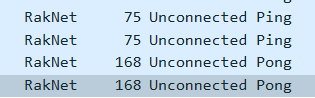
Upon observing the packets using Wireshark, both Ping requests received a Pong response. However, on the Minecraft client, the direct Ping is only displayed correctly, and the proxy ping status is red.
Minecraft Client/Server version: 1.20.80.05
Server OS: Ubuntu 22.04
Cleaning up old tickets: This ticket had been set to 'Awaiting Response', but has not received a response from the reporter (~3 months+) so is being closed as Incomplete. If you feel this is still a valid issue then please comment, or create a new ticket following the Issue Guidelines which includes steps to reproduce the problem.
Quick Links:
📓 Issue Guidelines – 💬 Mojang Support – 📧 Suggestions – 📖 Minecraft Wiki
Hi,
Reporting in with a bit of a different build, but what I feel is the same issue. I just started hosting a Bedrock V1.21.23 server hosted on a docker container, passed through the playit.gg service to a proxied public IP address. Everything about this configuration works fine: those IPs are pingable, the server is joinable, tools like mcsrvstat.us even show the correct information about the server.
But the game client shows the server as @m77so's screenshots show.
If it helps, I started using playit.gg because I am behind a CGNAT situation with my ISP.
I've also found that the Java server does NOT have this issue, online status works fine in the Java game client using an (as can-be) identical configuration to my Bedrock server. Both servers ping, are queried in 3rd party server status tools, and are joinable, it's just Bedrock that doesn't show the server Online / ping status.
I know not a Java forum, just a compare point.
Please see
BDS-19410.There is a new version of this screen currently in public preview. When it releases to full release, if the issue still persists, please file a new bug.