 BDS-13768
I can't enter the server through my ip address
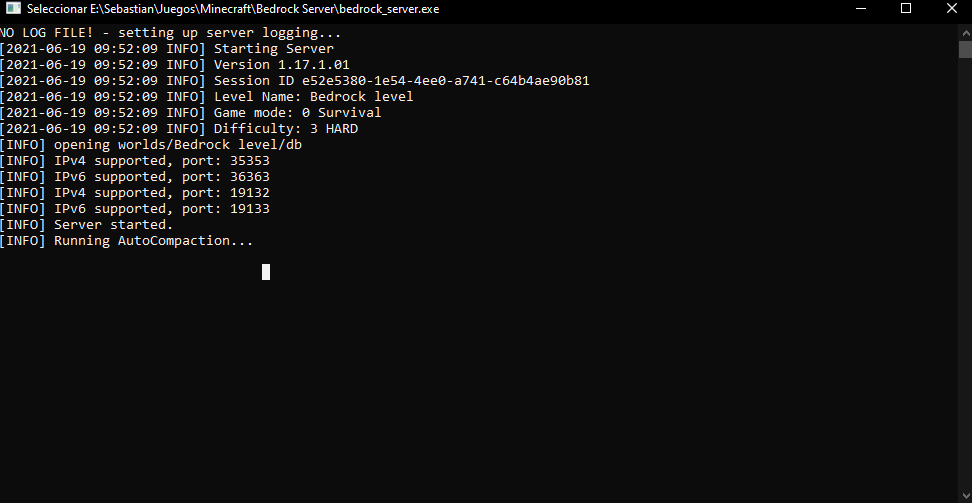
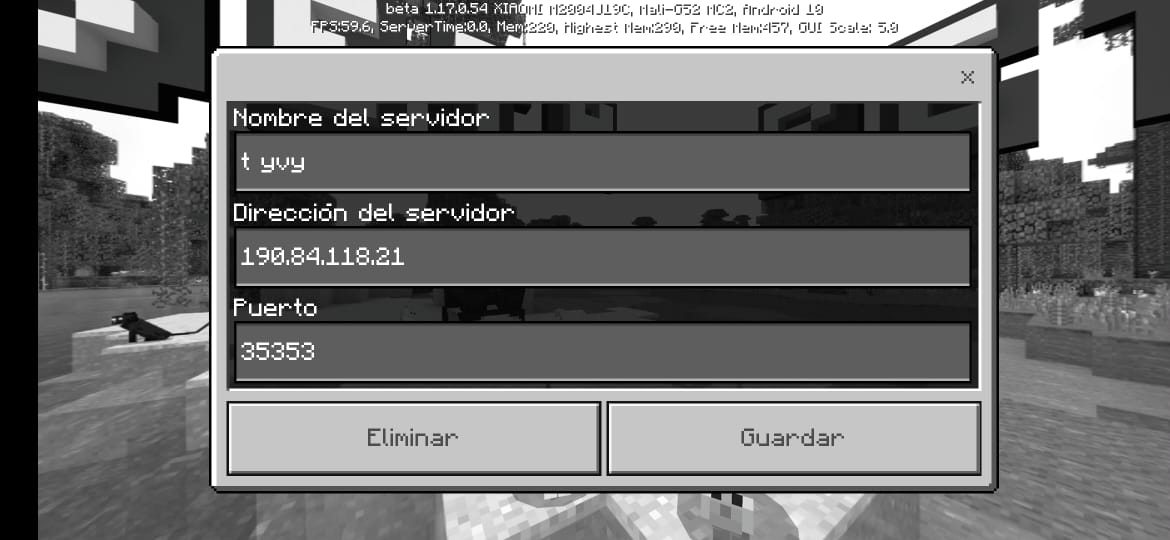
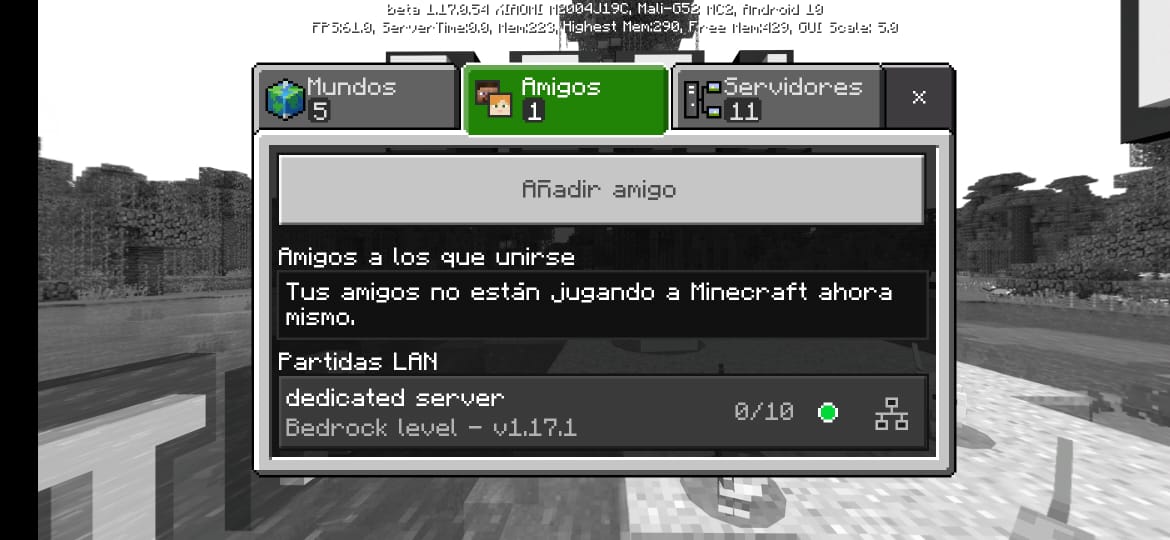
When I try to enter the server through my IP address and the port does not allow me, I get unable to connect with the world, and if I am connected to the same network, lan appears in the game
Environment
Tengo Windows 10 Pro
Attachments3

Comments5
History7

Resolution: Unresolved → Awaiting Response

Resolution: Awaiting Response → Unresolved
Resolution: Unresolved → Awaiting Response
Resolution: Awaiting Response → Unresolved
Resolution: Unresolved → Incomplete
Deleted comment:
Three things:
1. If the server is running on the same pc, you have to exempt the Minecraft client from UWP loopback restrictions with this command:
CheckNetIsolation.exe LoopbackExempt –a –p=S-1-15-2-1958404141-86561845-1752920682-3514627264-368642714-62675701-733520436
To run the command, press the Windows key + R and type in "cmd" and press Shift+Control+Enter.
Copy the command above and right click to paste and run the command.
2. You can not use your own iP Address when addressing the server, you need to use a special loopback address to tell the machine to look at itself. Use the iP 127.0.0.1 instead.
3. Make sure the right port is being used, and port forwarded if you wish to connect outside of LAN.
Is this still an issue in the latest version (1.17.10)? If so, can you please add it to the affected versions (or mention it if you are not the reporter).
This ticket will automatically reopen when you reply.
If I already updated it apparently looking on youtube I saw that it was because I have to open the ports of my router something like this
And if I want a friend to connect from home to my server, what should I do?
Hi
Does Server command prompt display any error or information while you try to join?
This ticket will automatically reopen when you reply.
Cleaning up old tickets: This ticket had been set to 'Awaiting Response', but has not received a response from the reporter (~3 months+) so is being closed as Incomplete. If you feel this is still a valid issue then please comment, or create a new ticket following the Issue Guidelines which includes steps to reproduce the problem.
Quick Links:
📓 Issue Guidelines – 💬 Mojang Support – 📧 Suggestions – 📖 Minecraft Wiki