 BDS-11792
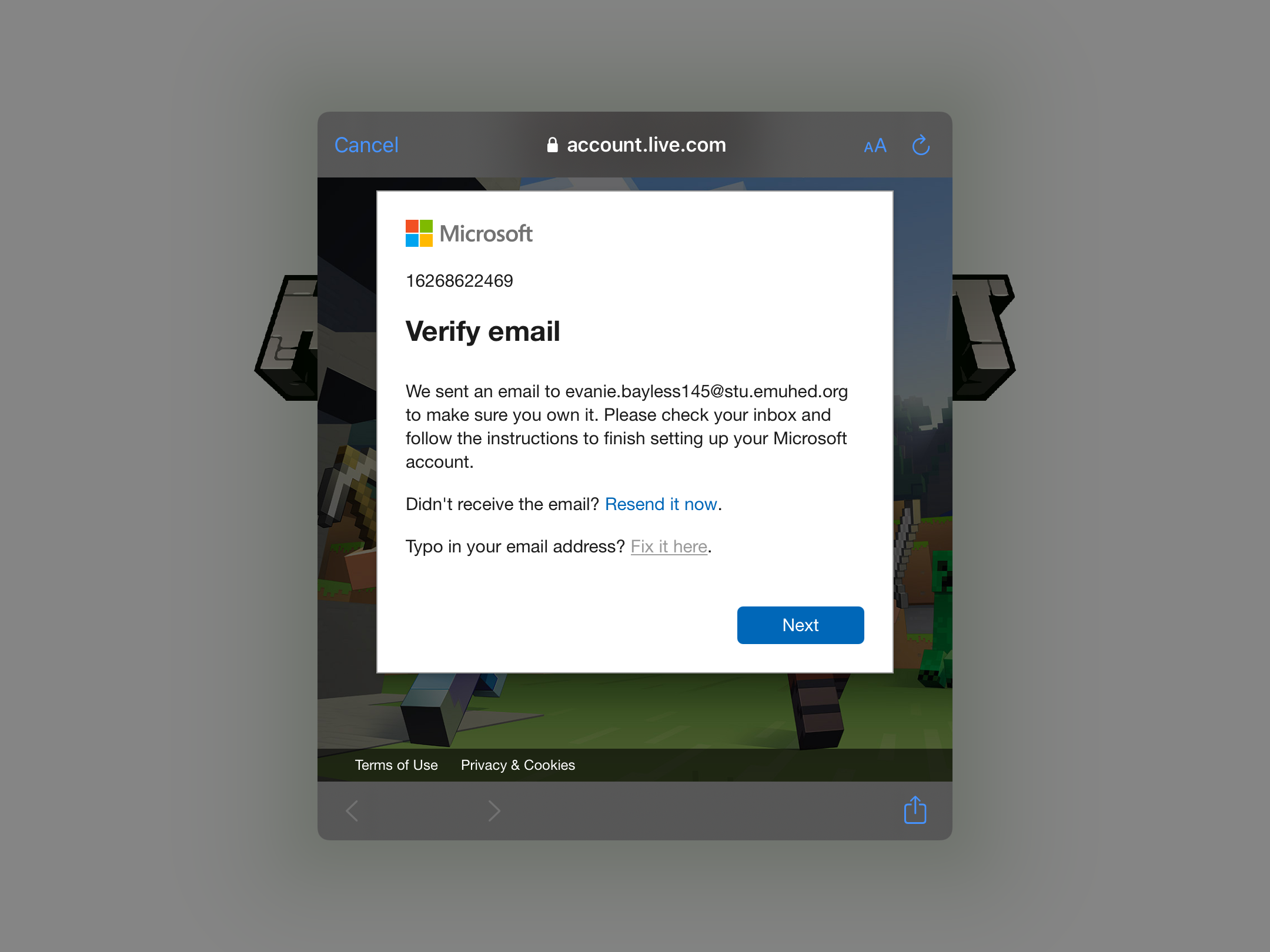
Unable to “Fix it Here” on Bedrock
So I bought Minecraft (Pocket Edition) and of course I would have to sign in to start unlocking achievements, join servers, play with friends etc. I tried signing in and messed up my log in so I assumed I needed to press the “Fix it Here” button so that I can fix the email. When I press “Fix it Here” it doesn’t take me anywhere to fix the problem. I tried refreshing the screen as well as clearing the cache and all data from the app but nothing seems to work? It’s been like this since Christmas and I assumed in a matter of time it would fix itself, someone please help.
Environment
Bedrock Pocket Edition
Attachments1

Comments3
History4

Added Security Level: Minecraft - Private

Resolution: Unresolved → Awaiting Response
Resolution: Awaiting Response → Unresolved
Resolution: Unresolved → Incomplete
MEQS_KEEP_PRIVATE
Thank you for your report!
However, this issue has been temporarily closed as Awaiting Response
Is this still an issue in the latest version? If so, can you please add it to the affected versions (or mention it if you are not the reporter).
This ticket will automatically reopen when you reply.
Quick Links:
📓 Issue Guidelines – 💬 Mojang Support – 📧 Suggestions – 📖 Minecraft Wiki
Cleaning up old tickets: This ticket had been set to 'Awaiting Response', but has not received a response from the reporter (~3 months+) so is being closed as Incomplete. If you feel this is still a valid issue then please comment, or create a new ticket following the Issue Guidelines which includes steps to reproduce the problem.
Quick Links:
📓 Issue Guidelines – 💬 Mojang Support – 📧 Suggestions – 📖 Minecraft Wiki